
Just Toon It
UE5 Post‑Process Cel & Outline Pack
You make it. We'll make it better.
Available now on Fab (Unreal Marketplace)
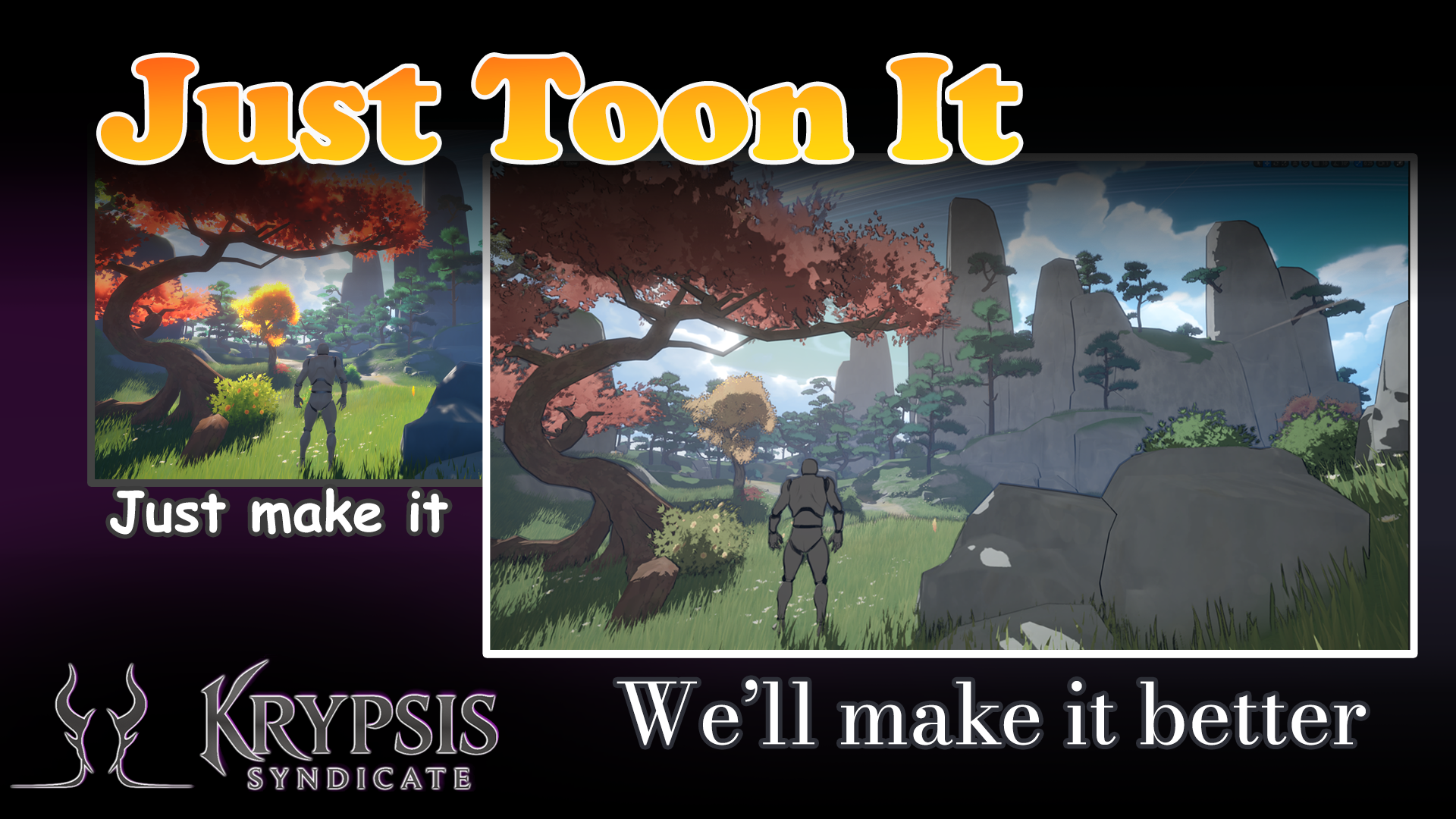
Why another cel shader?
Available now on Fab (Unreal Marketplace)
Most packs look fine, until you need real control. Just Toon It ships with clean defaults for day‑one results, then exposes the tuning range you expect from a professional post‑process material: stable edges, sensible ramps, distance‑aware ink, and selective exclusions.
What makes it better
- Clean cels by default balanced step response, full control with curve assets.
- Stable outlines depth + normal thresholds.
- Real controls steps, softness, ink weight/color, distance fade, exclusions.
- Production‑friendly works as a global Post Process Material; sensible perf.
Quick Start (≈ 10 seconds)
- Add One of the preset assets from
/Content/JustToonIt/Presetsto your scene. - Done.
Controls (you’ll actually use)
- Steps & Softness precise ramp shaping, clean bands without banding fights.
- Edge Thresholds separate Depth and Normal sensitivity for stable contours.
- Ink Weight & Color line thickness, opacity, and tint in one panel.
- Distance Fade start/end ranges so ink doesn’t drown distant scenery.
- Exclusions ignore actors using Custom Depth/Stencil (perfect for Backgrounds, Skies, Mountaints, hero characters).
- Style Blend global mix between SceneColor and stylized output.
Installation
- Select the pack in the launcher, and add it to your project.
- Files are under
Content/JustToonIt/
Compatibility
- Engine: Unreal Engine 5.4 and later, Deffered Rendering
- Lighting: Lumen/Nanite supported (shader runs in post; no material overrides needed).
Why teams keep it installed
Ship the look now with defaults. When it’s time to go from good to signature, the tuning range is there, like a real post‑process tool, not a hobbyist asset.
FAQs
Does it replace my materials? No, this is a post‑process material. It stylizes the final frame; your existing materials remain unchanged.
Will it conflict with other post effects? It plays well with common color grading/DOF/bloom.
How do I exclude characters, Skyboxes, or other meshes?
- Enable Render CustomDepth Pass on the mesh component and set the stencil mask; enable Exclusion in the material instance and set the stencel mask. (Make sure depth buffer with stencil is set in project settings)
- Or, turn enable distance blending in the material instance and blend out anything as far away as the skybox.